Rotate Your Laptop Computer Screen To Normal | How To Change Display Orientation in windows 10
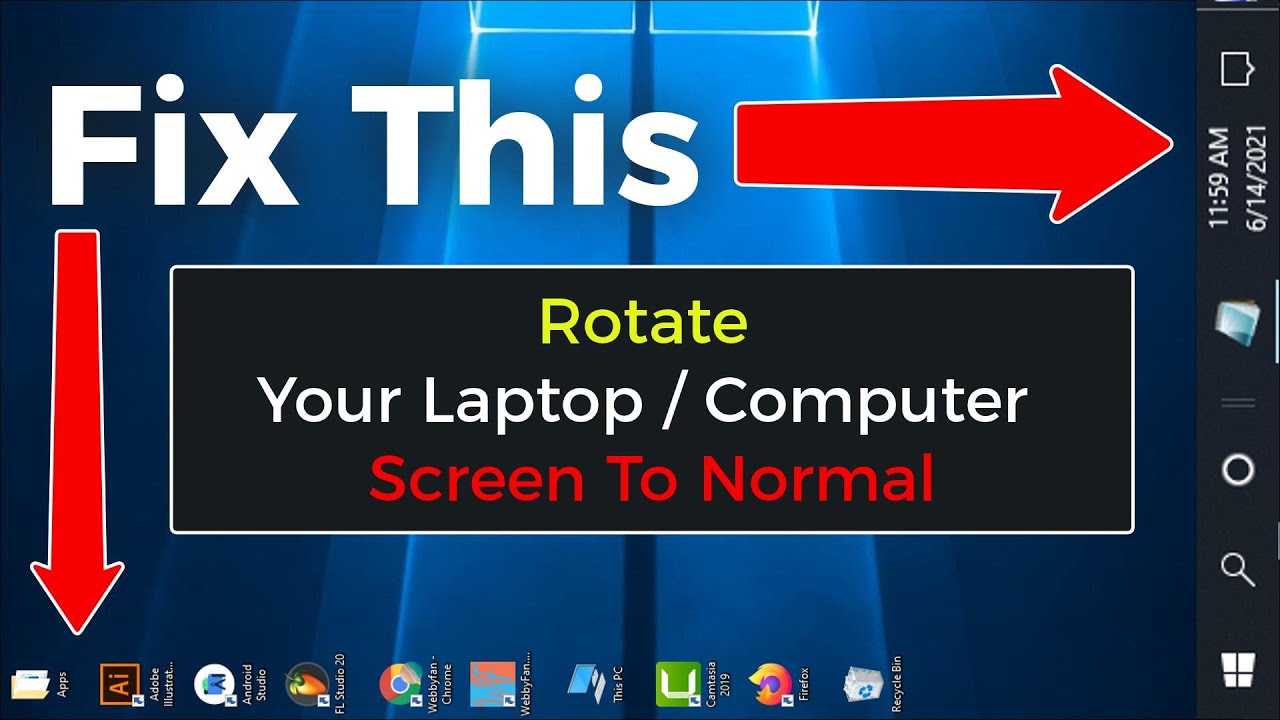
Rotate Your Laptop Computer Screen To Normal | How To Change Display Orientation in windows 10 https://youtu.be/kGUiP5G5W0c 00:00 | intro 00:12 | Method 1 Fixed by Keyboard Command 00:42 | Method 2 Fixed by Graphics Options 01:15 | Method 3 Fixed by Display settings ✪ Steps to Rotate Your Laptop Computer Screen To Normal | How To Change Display Orientation in windows 10 - Method 1: Press On Your Keyboard Ctrl + alt + 🢁 - Method 2: Right Click (any empty spot) on your desktop screen. - click on graphics options - click on rotation - click on rotate to 0 Degrees - Done. - Method 3: Right Click (any empty spot) on your desktop screen. - Click on Display Settings - go to display orientation - select landscape - done. ✪ Featured Videos: How to Rotate Laptop & Desktop Screen by Keyboard command | Change Display Orientation https://youtu.be/idAV_aTpJYE How To Return to the Normal Desktop Mode From Tablet Mode and Get...

